
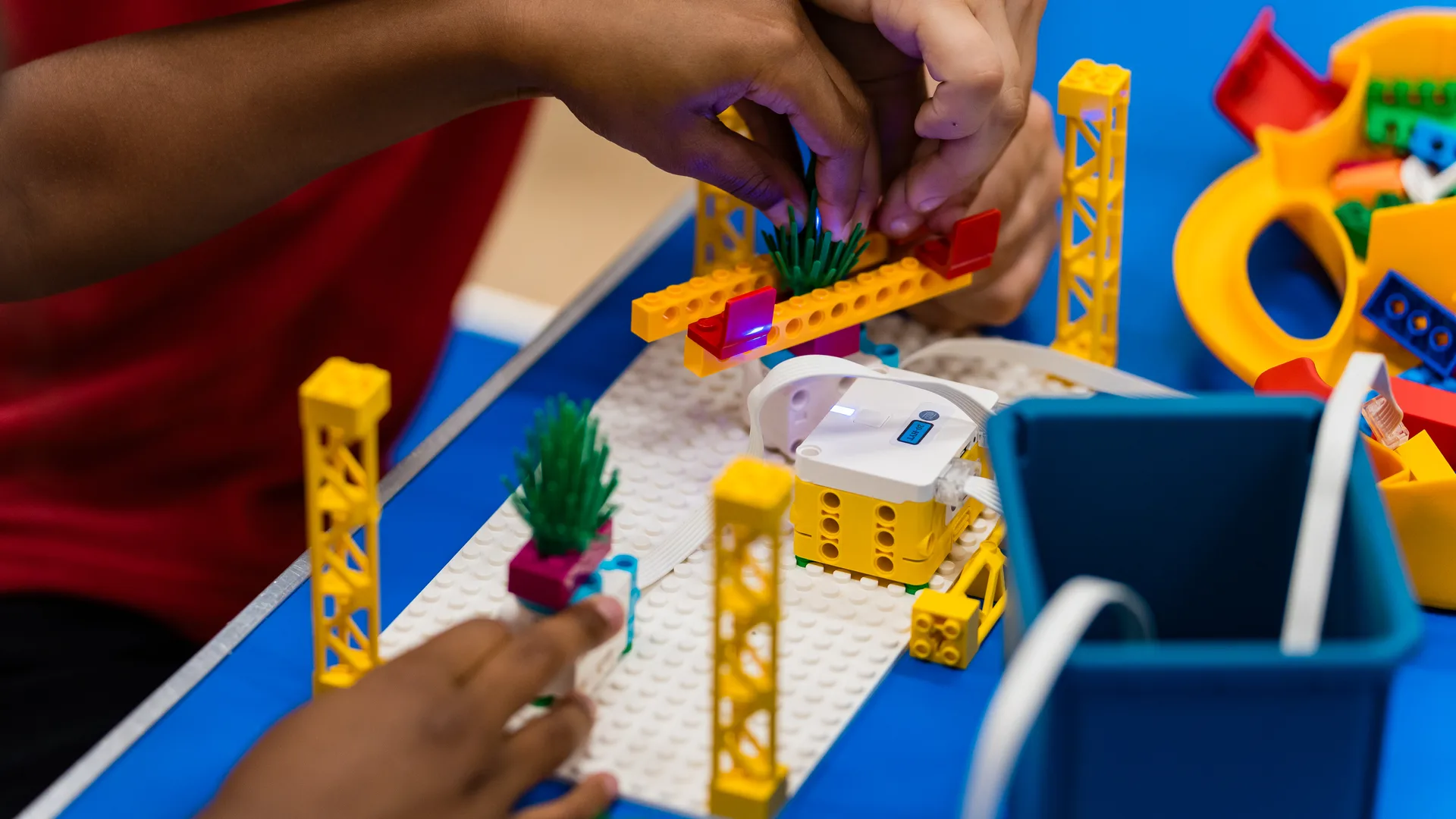



The Three Strands of Primary Computing
The National Curriculum for computing is built around three interconnected strands. Understanding how these strands develop across KS1 and KS2 is essential for effective curriculum planning.
1. Computer Science
This strand covers algorithms, programming, logical reasoning and how computer systems work. At KS1, the statutory content includes understanding algorithms, creating and debugging simple programs, and using logical reasoning to predict program behaviour. By the end of KS2, the school’s chosen progression should have given pupils opportunities to use sequence, selection and repetition, and to work with variables and input and output.
2. Information Technology
IT focuses on using technology to create, organise, store, and retrieve digital content. This includes word processing, spreadsheets, presentations, digital art, and multimedia projects. Most primary teachers are comfortable delivering this strand, as it aligns closely with how technology is used across other subjects.
3. Digital Literacy
Digital literacy covers using technology safely, respectfully, and responsibly. This includes understanding online risks, recognising inappropriate content, knowing how to report concerns, and understanding the impact of online actions. With growing concerns about children’s online safety, this strand has become increasingly important.
Key-Stage Requirements and Suggested Progression
Key Stage 1 (Years 1-2)
The statutory programme sets the following content for KS1. Schools decide how to sequence it across Years 1 and 2:
- Understand what algorithms are and how they are implemented as programs on digital devices
- Create and debug simple programs
- Use logical reasoning to predict the behaviour of simple programs
- Use technology purposefully to create, organise, store, manipulate and retrieve digital content
- Recognise common uses of IT beyond school
- Use technology safely and respectfully, keeping personal information private
Workshop connection: Our Early Engineers and Beginner STEMbotics workshops can support and practise selected algorithm and programming objectives. They do not teach or assess the full KS1 programme of study.
Key Stage 2 (Years 3-6)
The statutory programme sets the following content for KS2. Schools decide how to sequence it across Years 3 to 6:
- Design, write and debug programs that accomplish specific goals, using sequence, selection and repetition
- Use logical reasoning to explain how algorithms work and to detect and correct errors
- Understand computer networks including the internet, and how they provide services such as the World Wide Web
- Use search technologies effectively and evaluate digital content
- Select, use and combine a variety of software to design and create content for a given audience
- Use technology safely, respectfully and responsibly; identify a range of ways to report concerns about content and contact
Workshop connection: Our Intermediate STEMbotics, AI & Machine Learning, and Cybersecurity & Cryptography workshops can support and contextualise selected KS2 objectives in a single day. They do not teach or assess the full KS2 programme of study.
Common Challenges for Primary Schools
Teacher Confidence
Teacher subject knowledge and confidence vary by school and by strand. A curriculum and staff-development audit can identify where classroom teams would benefit from additional planning time, resources, subject leadership or training.
How to address it: Specialist computing CPD training can give staff practical activities and planning approaches to use within the school’s own curriculum. The school should choose support based on the needs identified in its audit.
Equipment and Resources
Equipment requirements depend on the curriculum sequence, software and activities selected by the school. Some schools use their existing tablets or laptops, while robotics, physical computing or 3D design activities may use additional specialist equipment.
How to address it: In-school STEM workshops bring the specialist workshop equipment. The school provides the agreed indoor space, tables, chairs and power; CAD also requires reliable internet. We confirm the exact setup before the booking.
Curriculum Time
Schools decide how to timetable the statutory computing programme across each key stage. Enrichment can add a focused practical context, but it should sit within a sequenced school curriculum rather than replace regular teaching.
How to address it: A well-planned enrichment day or STEM workshop day can support and practise selected objectives in a focused practical context. The school remains responsible for teaching and assessing the full programme of study.
How STEM Workshops Map to Computing Objectives
The table shows objectives that workshop activities can support or contextualise. It is not evidence that a workshop teaches or assesses the full programme of study:
| Workshop | Key Stage | Objectives Supported or Contextualised |
|---|---|---|
| Beginner STEMbotics | KS1-KS2 | Algorithms, programming, debugging, logical reasoning |
| Intermediate STEMbotics | KS2-KS3 | Sequence, selection, repetition, variables, debugging |
| AI & Machine Learning | Years 4–11 | Data handling, algorithms, logical reasoning, networks |
| Cybersecurity & Cryptography | Years 4–9 | Online safety, networks, data, encryption algorithms |
| Stop Motion Animation | KS1-KS2 | Creating digital content, multimedia, IT strand |
| 3D Design & Printing | Years 3–7 | Design software, digital content creation, IT strand |
Beginner STEMbotics
- Key Stage
- KS1-KS2
- Objectives Supported or Contextualised
- Algorithms, programming, debugging, logical reasoning
Intermediate STEMbotics
- Key Stage
- KS2-KS3
- Objectives Supported or Contextualised
- Sequence, selection, repetition, variables, debugging
AI & Machine Learning
- Key Stage
- Years 4–11
- Objectives Supported or Contextualised
- Data handling, algorithms, logical reasoning, networks
Cybersecurity & Cryptography
- Key Stage
- Years 4–9
- Objectives Supported or Contextualised
- Online safety, networks, data, encryption algorithms
Stop Motion Animation
- Key Stage
- KS1-KS2
- Objectives Supported or Contextualised
- Creating digital content, multimedia, IT strand
3D Design & Printing
- Key Stage
- Years 3–7
- Objectives Supported or Contextualised
- Design software, digital content creation, IT strand
Planning a Computing Enrichment Strategy
The school selects its own curriculum sequence and assessment approach. The following is a suggested Hyett Education enrichment model, not a statutory requirement:
- Weekly computing lessons covering the school’s sequenced programme across all three strands
- Termly enrichment workshops to support selected objectives with visiting specialists and specialist equipment
- Annual STEM enrichment day (such as during British Science Week) that brings the whole school together around computing and technology themes
- Teacher CPD to progressively build internal capacity so that specialist workshop input can shift from delivery to enhancement